Static vs Working Industrial Models: Which One Is Right for Your Project?
October 8, 2026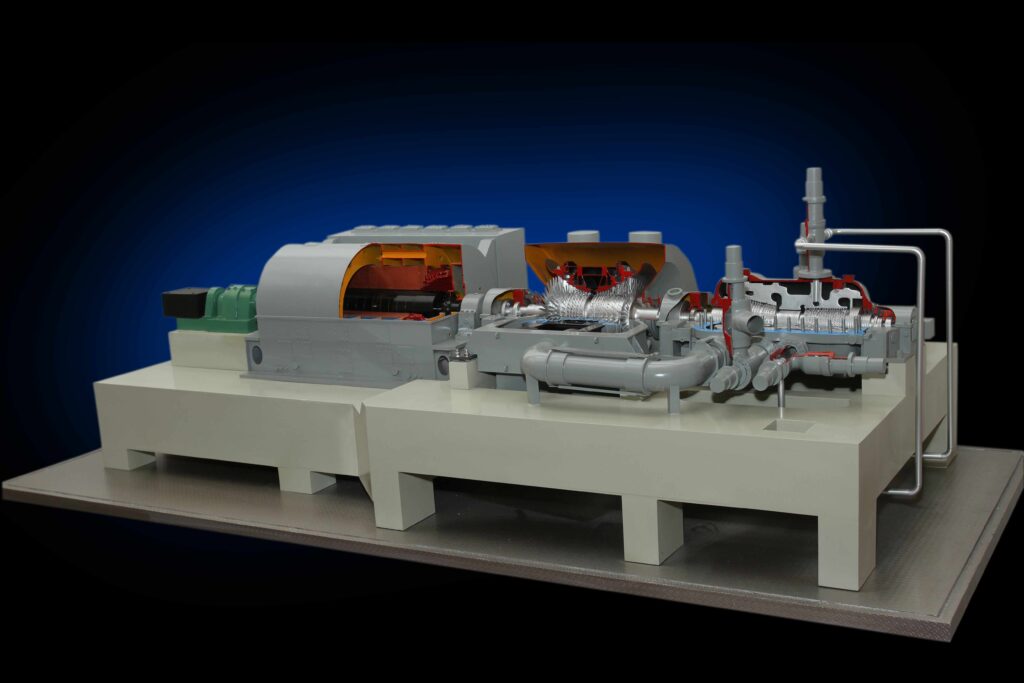
Table of Contents
- What Are Cutaway and Sectional Models?
- Why Are Cutaway Models Important in Engineering?
- Types of Cutaway and Sectional Models
- Common Applications of Cutaway Models
- Tips for Creating Effective Cutaway Models
- Steps Involved in Making a Cutaway Model
- Advantages of Cutaway and Sectional Models
- Conclusion
- Frequently Asked Questions
In engineering and industrial design, many important components are hidden inside machines, equipment and complex structures. While technical drawings and digital models provide valuable information, understanding internal arrangements can sometimes be challenging, particularly for people who are not familiar with the design.
Cutaway and sectional models make these hidden engineering details visible through physical, three-dimensional representations. They help explain internal components, construction methods and the relationships between different parts of a system.
From industrial machinery and piping assemblies to training displays and engineering presentations, these models provide a practical way to communicate complex technical information.
What Are Cutaway and Sectional Models?
Cutaway and sectional models are physical scale models designed to reveal selected internal details of an object, machine or structure.
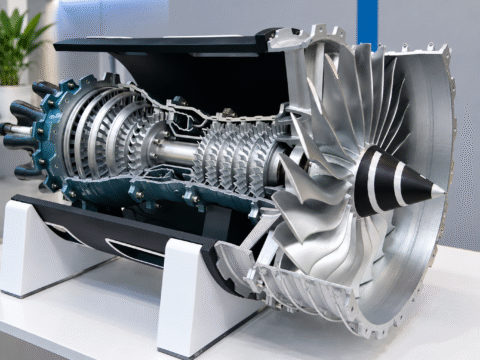
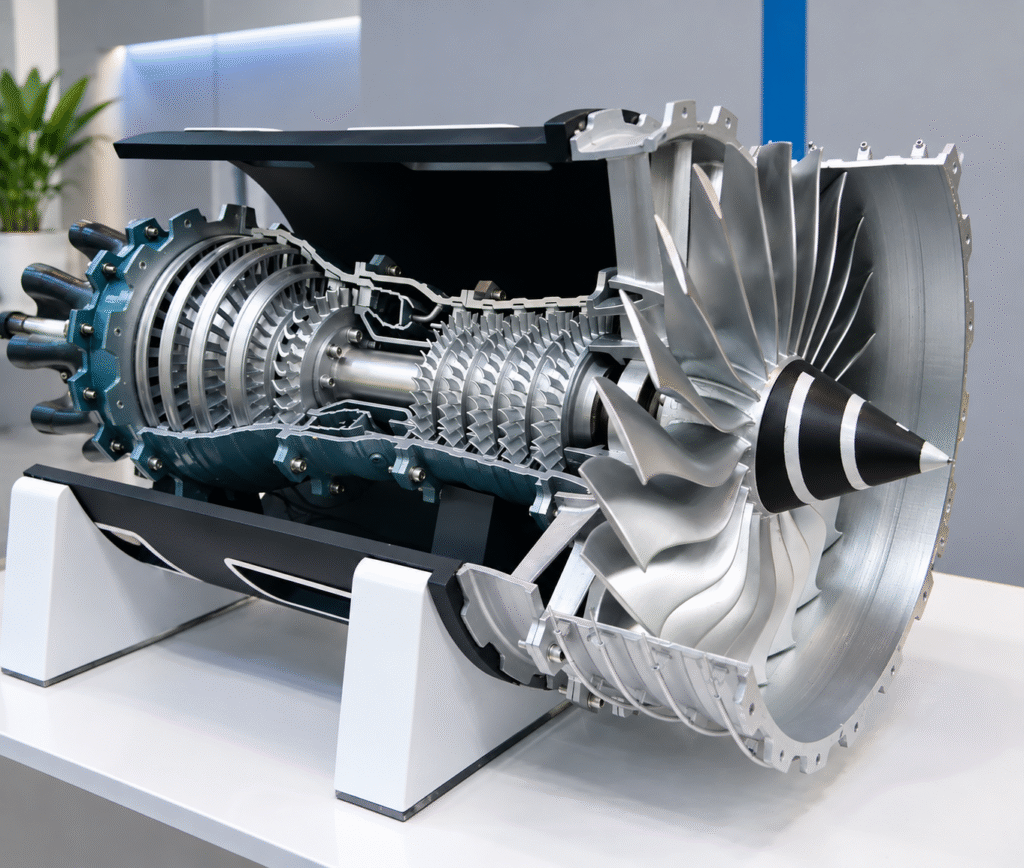
A cutaway model shows the exterior of an object alongside exposed internal components. Selected portions of the outer casing or structure are removed to provide a clearer view of what lies inside.
A sectional model focuses on a particular cross-section or layer of an object. It helps viewers understand internal construction, material layers or the arrangement of components within a specific section.
Although both approaches reveal hidden details, the choice depends on what needs to be demonstrated. A cutaway model may be more suitable for showing the relationship between internal and external components, while a sectional model can focus attention on a particular area or construction detail.
Why Are Cutaway Models Important in Engineering?
Cutaway models are useful when the internal arrangement of a machine or system is as important as its external appearance.
Improved visual understanding: A physical model allows viewers to examine internal components in three dimensions rather than relying entirely on drawings or diagrams.
Clearer technical demonstrations: Engineers and presenters can point to individual parts and explain how components are positioned in relation to one another.
Better communication: A carefully planned model can help technical and non-technical audiences understand a design during meetings, presentations and training sessions.
Focused presentation of details: Instead of displaying every component, the model can highlight the specific assemblies or features relevant to the project.
These models complement engineering drawings and documentation. They are particularly useful when a physical representation makes a complex arrangement easier to explain.
Types of Cutaway and Sectional Models
1. Machinery Cutaway Models
These models expose selected internal parts of machinery, such as gears, shafts, housings or mechanical assemblies. They can be used for equipment presentations, product demonstrations and technical training.
2. Industrial Equipment Sectional Models
Industrial equipment may contain multiple internal layers, chambers or assemblies. A sectional model can show selected details to help explain the construction and arrangement of the equipment.
3. Piping and Process Models
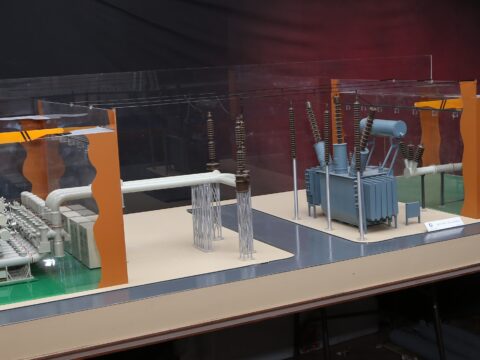
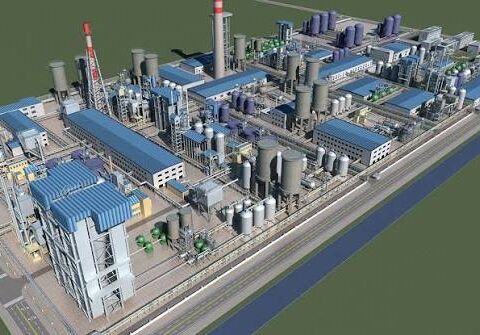
Piping systems often connect several components across a plant. A cutaway or sectional representation can focus on selected pipe arrangements, connections or equipment interfaces where internal visibility is required.
4. Architectural and Structural Sectional Models
Sectional models can reveal internal floors, structural layers, building arrangements or selected construction details. They are useful when the internal organisation of a structure needs to be communicated clearly.
The appropriate model type depends on the engineering information available, the intended audience and the purpose of the presentation.
Common Applications of Cutaway and Sectional Models
Cutaway and sectional models can be used across several industries and technical environments.
- Industrial engineering: Demonstrating internal machinery, equipment assemblies and mechanical arrangements.
- Manufacturing: Explaining product construction and the positioning of internal components.
- Training and education: Helping trainees understand equipment structures and component relationships.
- Project presentations: Communicating design details to clients, engineers, management teams and other stakeholders.
- Technical exhibitions: Displaying selected internal features of a product or system to visitors.
For each application, the model should focus on the details that viewers need to understand. The purpose is not simply to reproduce an object at a smaller scale, but to present its important features clearly.
Tips for Creating Effective Cutaway Models
A well-designed cutaway model requires careful planning to balance external appearance with internal visibility.
- Define the purpose: Identify which components or construction details must be visible and who will use the model.
- Use reliable engineering information: CAD files, technical drawings, dimensions and reference images help establish the intended arrangement.
- Choose the right scale: The selected scale should allow important internal details to be represented clearly within the available display space.
- Plan the cutaway area: The exposed section should reveal useful information without unnecessarily hiding the overall form of the equipment.
- Select suitable materials and finishes: Materials should support the required geometry, detailing and presentation quality.
- Use labels and colours carefully: Labels and colour coding can help distinguish components when required. They should follow the client’s specifications and applicable project standards.
- Consider viewing angles: The model should allow its intended audience to see the exposed details comfortably.
These considerations help ensure that the finished model communicates the engineering concept effectively.
Steps Involved in Making a Cutaway Model
Creating a cutaway or sectional model involves several stages, from understanding the design to preparing the finished physical representation.
Step 1: Review the Project Requirements
The process begins by understanding the model’s purpose, the intended audience, the required scale and the internal details that need to be shown.
Step 2: Study CAD Files and Drawings
Available 3D CAD files, engineering drawings and reference information are reviewed to understand the external geometry and internal arrangement. Any missing information that affects the model should be clarified before fabrication.
Step 3: Plan the Exposed Sections
The portions to be opened or represented as a cross-section are identified. This step helps determine how the internal components will be displayed while preserving the overall appearance of the object.
Step 4: Select Materials and Fabrication Methods
Materials and fabrication techniques are selected according to the model’s size, geometry, required detailing and finish. Depending on the design, different fabrication methods may be used for different components.
Step 5: Assemble and Detail the Model
The external structure and internal components are fabricated and assembled according to the approved design information. Finishing, labels and other presentation details are added as required.
Step 6: Inspect the Finished Model
The completed model is checked against the agreed requirements, including visible details, proportions, assembly, finish and presentation. Any project-specific requirements should also be reviewed before delivery.
Advantages of Cutaway and Sectional Models
Cutaway and sectional models offer several practical advantages:
- They reveal internal details that may be difficult to understand from an external view.
- They help explain the relationships between different components.
- They support engineering discussions, technical demonstrations and training activities.
- They allow selected design features to be presented in a tangible three-dimensional format.
- They can be tailored to the specific requirements of industrial, engineering, architectural or educational projects.
The effectiveness of a model depends on how well its design supports the intended explanation. A carefully selected cutaway area and appropriate level of detail can make the representation much more informative.
Conclusion
Cutaway and sectional models provide a practical way to make hidden engineering details visible. By combining external form with selected internal views, they help viewers understand the construction, arrangement and relationships of components within a machine or structure.
Whether used for industrial equipment, manufacturing, piping systems, training or technical presentations, the right model can make complex information easier to communicate.
At DAGART Solutions, physical scale models can be planned around project requirements, available engineering information and the intended application. If your project requires internal components or construction details to be represented clearly, a cutaway or sectional model may be the right approach.
Contact DAGART Solutions to discuss your industrial or engineering scale model requirements.
Website: https://www.dsmodelmakers.com/
Frequently Asked Questions
1. What is the difference between a cutaway model and a sectional model?
A cutaway model exposes selected internal components while retaining part of the external structure. A sectional model focuses on a particular cross-section or layer to show internal construction.
2. Where are cutaway models commonly used?
They are used in industrial engineering, machinery demonstrations, manufacturing, technical training, education and project presentations where internal details need to be visible.
3. Can cutaway models be made from 3D CAD files?
Yes. Suitable 3D CAD files can provide useful information about component geometry and arrangement. The files may need to be reviewed and adapted to suit the chosen scale, visible sections and physical fabrication requirements.
4. Can cutaway models include lighting or moving components?
Yes, where required by the project. Lighting, movement or interactive features may be incorporated when they support the intended demonstration. These features should be planned as part of the model’s design.
5. How do I choose the right scale for a cutaway model?
The choice depends on the overall size of the object, the internal details that must be visible, the available display space and the model’s purpose. The selected scale should provide a useful balance between overall representation and detail visibility.